UNBEATABLE - Chart Editor
A downloadable software for Windows
For documentation, guidelines, and more, please see: unbeatablegame.com/charts
Make your very own custom levels for rhythm-adventure game UNBEATABLE using the official UNBEATABLE Chart Editor! When finished, you can easily import your levels into the game directly and load them into the game's arcade mode!
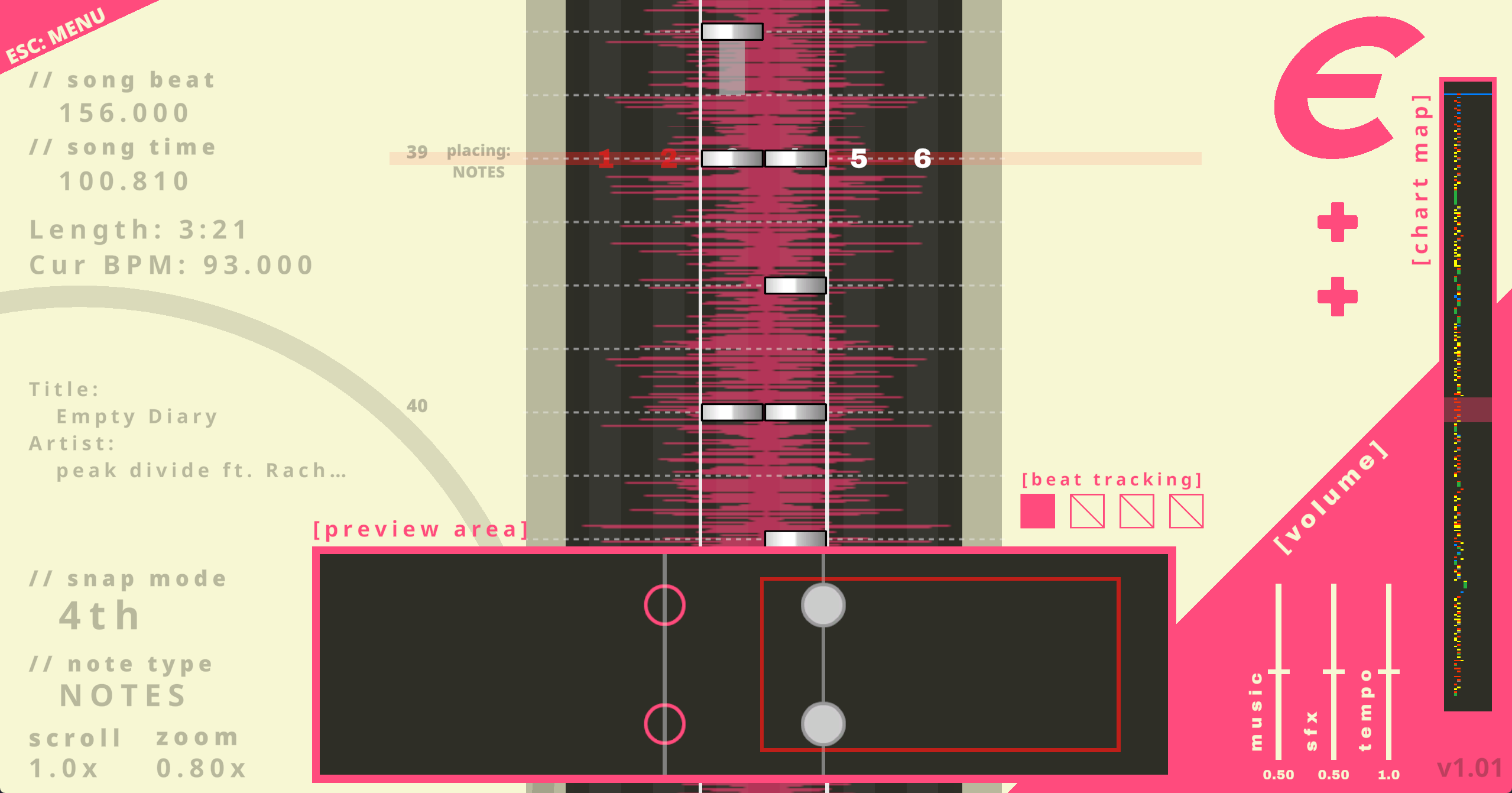
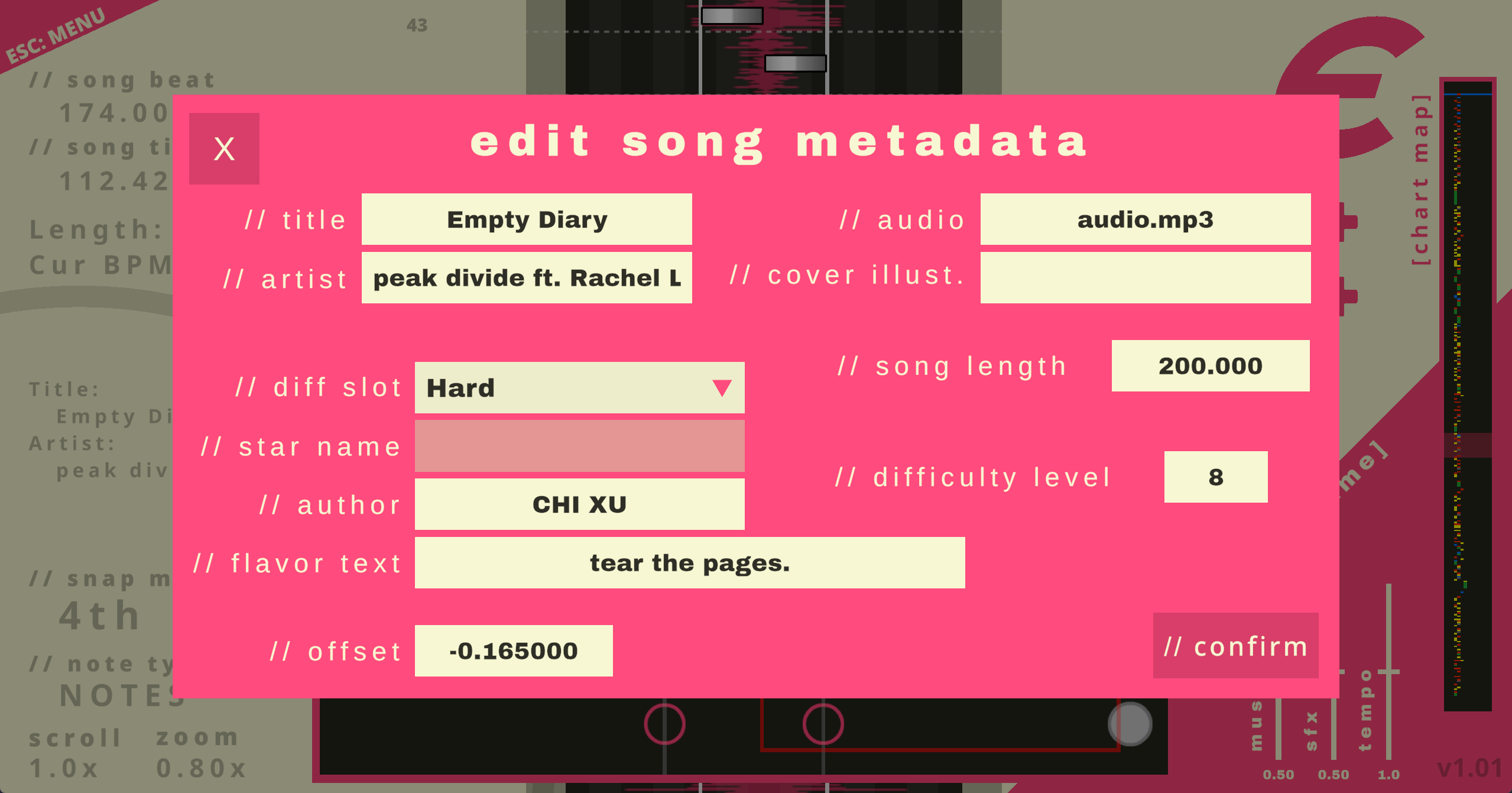
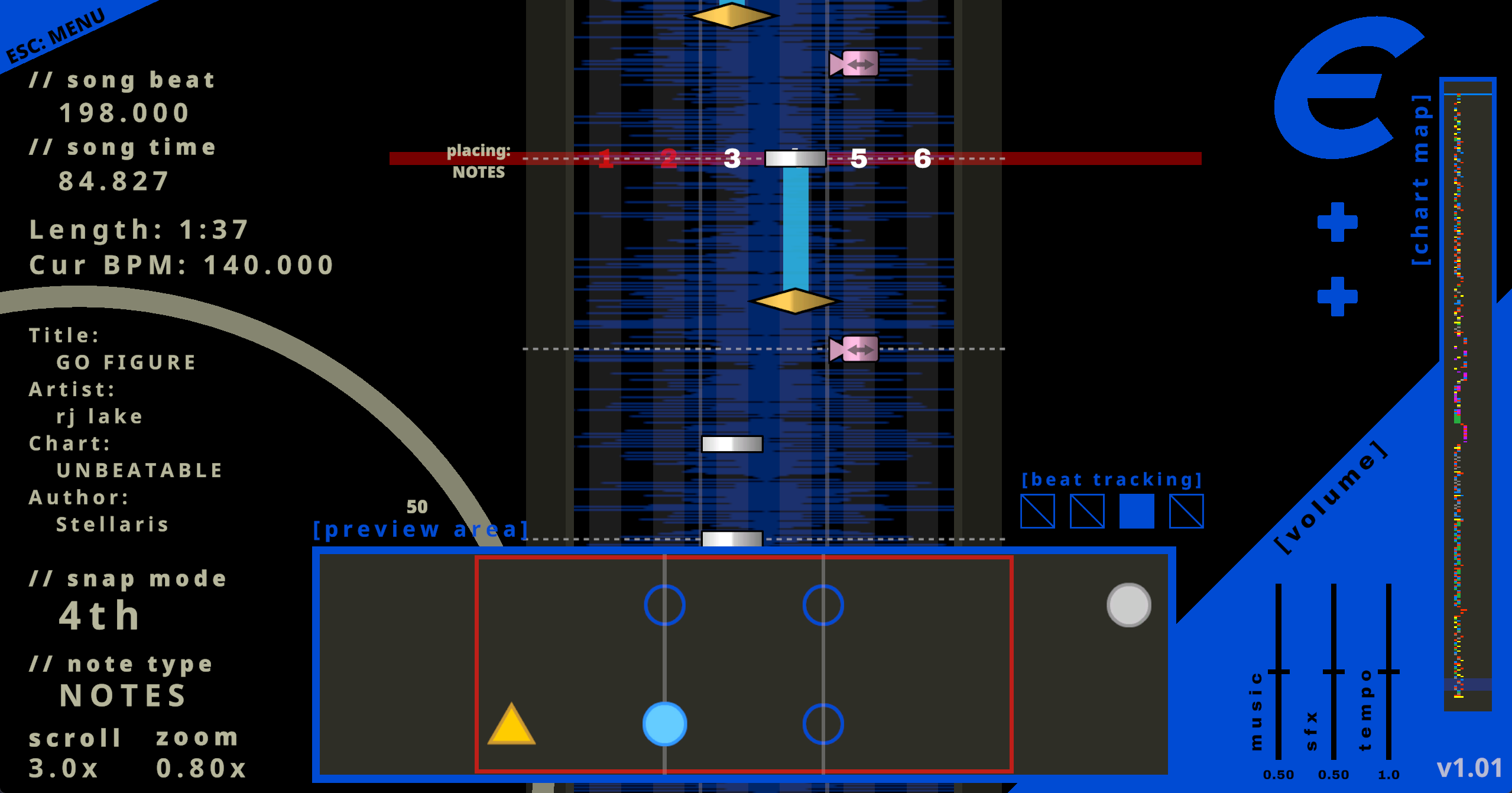
The Chart Editor is based on the actual tool we made internally to make a bulk of the game's rhythm arcade charts - it features the ability to implement all normal game note types, cop note types, see a preview of the chart in action, and set proper metadata for the song when viewed in ARCADE MODE.
The Editor itself does not include the actual game nor the ability to directly playtest your levels. You must own a copy of UNBEATABLE on Steam to get the most out of this editor. Customs support is only available on the PC version of the game.
Custom levels built with the official UNBEATABLE CHART EDITOR or any third party tools must use music that the chart author owns or has otherwise obtained legal permission to use. If you do not have the legal rights to use a song for this purpose, uploading and distributing your work is prohibited.
CREDITS:
Programmed and Designed by TaroNuke
Based on the visual design and graphical artwork for UNBEATABLE [arcade mode], designed by Andrew Tsai
Production by Jeffrey Chiao / CHI XU
Software Testing by the D-CELL Chart Team (Jeffrey Chiao/CHI XU, Cheryl Stelli, log(), nat clayton, and Stellaris)
UNBEATABLE Chart Editor was designed and programmed by TaroNuke.
©️ D-CELL GAMES and TaroNuke. All Rights Reserved. All user-created content made with this editor are not officially endorsed or approved by D-CELL GAMES LLC and its associated partners, and do not reflect the values and content present in official releases of the UNBEATABLE game nor the rest of the UNBEATABLE IP. Custom levels created with the editor or any third party tools must follow D-CELL's official guidelines as outlined in our FANWORKS POLICY at unbeatablegame.com.
Download
Install instructions
Download and extract the folder. From there, run the .exe file to boot the editor up.
Development log
- EDITOR PATCH v1.0.590 days ago
- v1.0.4 UpdateApr 30, 2026
Comments
Log in with itch.io to leave a comment.
Very cool thank you!!
being able to save the names of labels/bookmarks to the .txt file instead of just the timestamps would be useful, as currently all labels will have no text when loading a chart file
unbeatable devs can you add a toggle to disable the startup sound in the chart editor its very loud :(
Bug report for v1.0.4
- "Load chart" option in editor menu nonfunctional
Expected behavior
Steps to recreate:
>This returns to the editor with no project loaded - same result if I load the associated audio file alone before clicking "load chart"
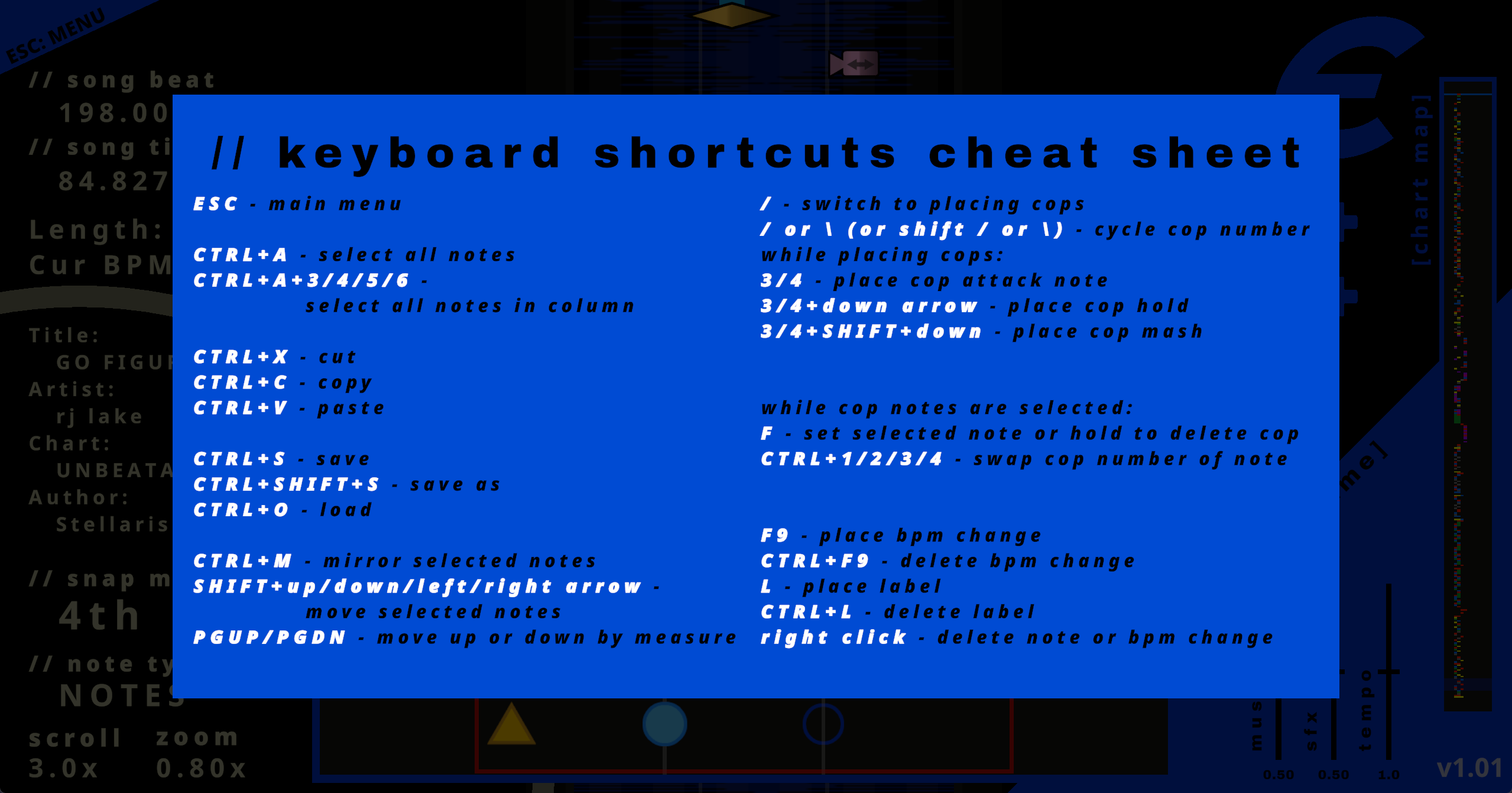
-Minor nit with keyboard shortcuts cheat sheet
There were a few others discussed in #unbeatable-charting over the last couple hours regarding issues with certain difficulty levels not working as expected, though I'm not too sure on the specifics enough to make a report. Overall this editor is a dream to use, thanks for all the work you've put into it! :)
Update on this - I think I figured out the issue. I have one chart that always loaded with no issues, and one that wouldn't import at all. The one that wouldn't load had this:
The one that would load had only the [Editor] part.
It seems the issue is when I create a label in the chart, then delete the label and save, it keeps the "Bookmarks:" tag in the .txt file with no data after it - this prevents the chart from being loaded until you either remove the line entirely or change it to "Bookmarks: 0". Chart loads as expected after making that change to the file itself.
So, I assume this is a bug/not intended behavior, but there's a fix for the time being
I know this is a Pain In The Butt to leave a comment about, but it doesnt seem to recognize the mouse on macos running through Crossover wine. So glad yall made this!!
Edit: Updating crossover fixed it, it was a me problem :P
i'm guessing this is probably built in unity, which broke the mouse in numerous games on older versions of crossover, but the most recent version is working fine for me on mac - try updating crossover!
Worked perfectly, tysm!!
thank u d-cell. <3 u d-cell.
very nice, but i don't really know why you have to wait a whole minute to open it...
probably to make sure that you read the TOS, but it really doesn't take a minute to read it lmao.
Though it seems like it's only a minute for the first time opening it and 10 seconds after agreeing to the terms
we love u d-cell
i love u dcell
Im a bit bummed out that its on another application then in game as a menu bar. I understand you want to make sure that you need it ready for both pc and console. Maybe have like a Steam workshop feature to find other songs much easier.